Introduction
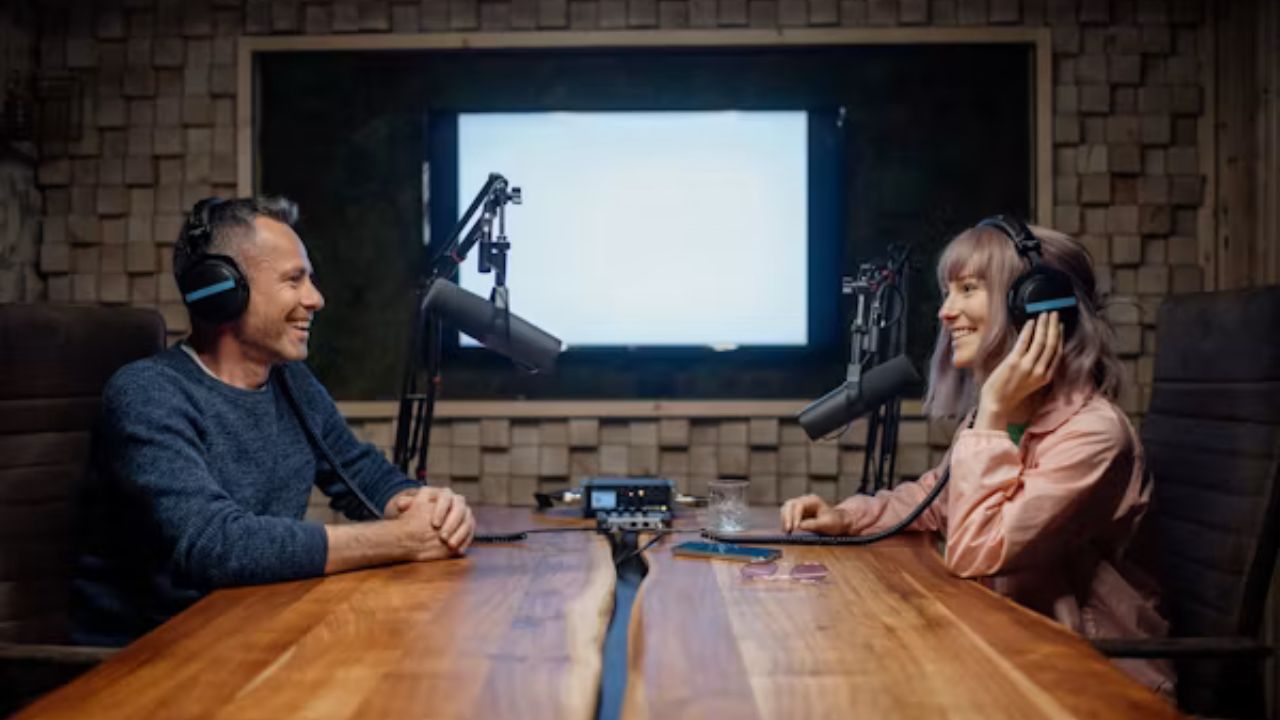
Starting a podcast does not require a professional studio or expensive equipment. The right setup depends on your goals, recording environment, number of speakers, and the level of audio quality you want to achieve.
If you are wondering what equipment is needed for a podcast, the essentials are a good microphone, headphones, recording software, a reliable device, and a quiet space. Additional accessories can improve sound quality, but beginners can start with a simple setup and upgrade over time.
This guide explains the equipment podcasters actually need, what each item does, and how to choose the right options for different types of shows.
What Equipment Is Needed for a Podcast?
A basic podcast setup includes:
| Equipment | Purpose |
|---|---|
| Microphone | Captures your voice clearly |
| Headphones | Helps monitor audio quality while recording |
| Recording software | Records and edits podcast episodes |
| Computer, tablet, or smartphone | Runs recording tools and manages files |
| Audio interface or mixer | Connects professional microphones and controls audio |
| Microphone stand or boom arm | Keeps the microphone stable and positioned correctly |
| Pop filter or windscreen | Reduces unwanted breathing and popping sounds |
| Quiet recording space | Improves overall sound quality |
Not every podcaster needs every item immediately. A beginner recording a solo show may only need a microphone, headphones, and software. A multi-person interview podcast may require additional audio equipment.
1. Microphone: The Most Important Podcast Equipment
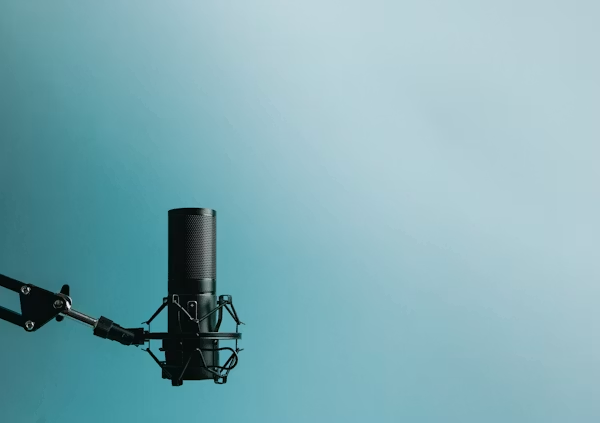
The microphone is the foundation of your podcast setup. Poor audio quality can make listeners leave even if your content is valuable.
A dedicated podcast microphone captures clearer voice recordings compared with most built-in laptop or phone microphones.
Types of Podcast Microphones
USB Microphones
USB microphones connect directly to a computer through a USB port.
They are popular among beginners because they are:
- Easy to set up
- Affordable
- Portable
- Suitable for solo podcasts and simple interviews
A USB microphone is often enough for someone recording their first podcast.
XLR Microphones
XLR microphones use professional audio connections and usually require an audio interface or mixer.
They offer:
- More control over sound quality
- Professional studio compatibility
- Better upgrade options
XLR setups are common for experienced creators, studios, and podcasts with multiple speakers.
Dynamic vs Condenser Microphones
Dynamic microphones are often preferred in untreated rooms because they capture less background noise.
Condenser microphones are more sensitive and can capture detailed sound, but they usually work best in quieter environments.
The best choice depends on your room, recording style, and budget rather than simply choosing the most expensive microphone.
2. Headphones for Monitoring Audio
Headphones allow you to hear exactly what your microphone is recording.
They help you identify problems such as:
- Background noise
- Audio distortion
- Uneven volume levels
- Microphone placement issues
Closed-back headphones are commonly used for podcast recording because they reduce sound leakage into the microphone.
Avoid relying only on speakers while recording because your microphone may pick up the playback sound.
3. Recording and Editing Software
Podcast software records your voice and helps you edit episodes before publishing.
Common features include:
- Cutting unwanted sections
- Removing background noise
- Adjusting volume levels
- Adding music or sound effects
- Exporting final audio files
Popular podcast recording and editing tools include:
- Audacity
- GarageBand
- Adobe Audition
- Riverside
- Descript
- Logic Pro
Beginners often start with free software and move to advanced tools as their editing needs grow.
4. Computer or Recording Device
You need a device capable of running recording software and storing audio files.
A computer is usually preferred because it provides:
- Larger editing options
- Better file management
- More software choices
However, modern smartphones and tablets can also record high-quality podcasts when paired with compatible microphones and apps.
Your device should have:
- Enough storage space
- Stable performance
- Compatible ports for your equipment
- Reliable internet connection if recording remote interviews
5. Audio Interface or Mixer
An audio interface converts microphone signals into digital audio that your computer can process.
It becomes important when using XLR microphones.
An audio interface helps with:
- Connecting professional microphones
- Adjusting input levels
- Improving recording control
- Supporting multiple audio sources
A mixer is useful for more complex productions where you need to manage several microphones, music sources, or live audio adjustments.
Beginners creating a simple solo podcast may not need either immediately.
6. Microphone Stand, Boom Arm, and Accessories
Holding a microphone by hand creates inconsistent sound and unwanted handling noise.
A stand or boom arm helps maintain:
- Stable microphone position
- Comfortable recording posture
- Consistent audio quality
Other useful accessories include:
Pop Filter
A pop filter reduces harsh sounds created by words containing strong “P” and “B” sounds.
Shock Mount
A shock mount helps reduce vibrations caused by desk movement or accidental bumps.
Windscreen
A windscreen protects the microphone from airflow and reduces unwanted noise.
These accessories are inexpensive but can noticeably improve recording quality.
7. A Quiet Recording Space
Many beginners focus on buying expensive equipment but ignore the recording environment.
Room conditions have a major impact on audio quality.
A good podcast space should reduce:
- Echo
- Traffic noise
- Air conditioning sounds
- Background conversations
Simple improvements include:
- Recording in a room with furniture and soft materials
- Adding curtains or rugs
- Positioning the microphone correctly
- Avoiding empty rooms with hard surfaces
Professional acoustic treatment can help studios, but beginners can achieve good results with basic room improvements.
Podcast Equipment Setup Based on Experience Level
| Experience Level | Recommended Setup |
|---|---|
| Beginner | USB microphone, headphones, free recording software, quiet room |
| Intermediate | Better microphone, boom arm, audio interface, improved room setup |
| Professional | XLR microphones, mixer, acoustic treatment, advanced editing software |
The right setup depends more on how you use the equipment than the amount of money you spend.
Common Mistakes New Podcasters Make
Buying Equipment Before Planning the Show
A common mistake is spending money on gear before understanding the podcast format.
Consider first:
- Solo or multiple speakers?
- Audio-only or video podcast?
- Remote interviews or in-person recording?
- How often will episodes be published?
Your answers determine what equipment you actually need.
Ignoring Room Acoustics
A high-end microphone cannot completely fix a poor recording environment.
Improving your room can sometimes create a bigger improvement than upgrading your microphone.
Recording Without Monitoring Audio
Without headphones, you may discover problems after finishing an entire episode.
Monitoring during recording helps catch issues early.
Overcomplicating the Setup
Many successful podcasts begin with simple equipment.
A complicated setup can create technical problems and slow down the publishing process.
How Much Does a Podcast Setup Cost?
Podcast equipment costs vary widely depending on quality and requirements.
A basic beginner setup may include:
- Entry-level microphone
- Headphones
- Free recording software
A more advanced setup may include:
- Professional microphone
- Audio interface
- Mixer
- Acoustic improvements
- Premium editing tools
Instead of buying everything at once, many creators start with essential equipment and upgrade based on their actual needs.
Should You Buy Expensive Podcast Equipment?
Expensive equipment is not automatically better for every creator.
A skilled podcaster using affordable equipment in a good environment can produce better results than someone using expensive gear incorrectly.
Focus first on:
- Clear speaking
- Good microphone placement
- Consistent recording habits
- Strong content quality
- Clean editing
Equipment supports a good podcast, but it does not replace good storytelling.
Frequently Asked Questions
What is the minimum equipment needed to start a podcast?
The minimum setup includes a microphone, headphones, recording software, and a device such as a computer or smartphone. A quiet recording space is also important for better sound quality.
Can I start a podcast with just my phone?
Yes. Many beginners start with smartphones using podcast recording apps and external microphones. However, a computer-based setup usually provides more editing flexibility.
Do I need an expensive microphone for a podcast?
No. A quality beginner microphone can produce excellent results when used correctly. Room conditions, microphone placement, and recording technique also affect audio quality.
Is an audio interface necessary for podcasting?
Not always. USB microphones work without an audio interface. An interface is mainly needed for XLR microphones and more advanced setups.
Should a podcast be recorded in a studio?
No. A studio is not required. Many podcasts are recorded in home offices or quiet rooms with basic acoustic improvements.
Conclusion
The equipment needed for a podcast depends on your goals, budget, and recording style. Most beginners can start with a reliable microphone, headphones, recording software, and a quiet space.
As your podcast grows, you can improve your setup with better microphones, audio interfaces, accessories, and acoustic treatment. The most important investment is creating clear, enjoyable content that keeps listeners coming back.